
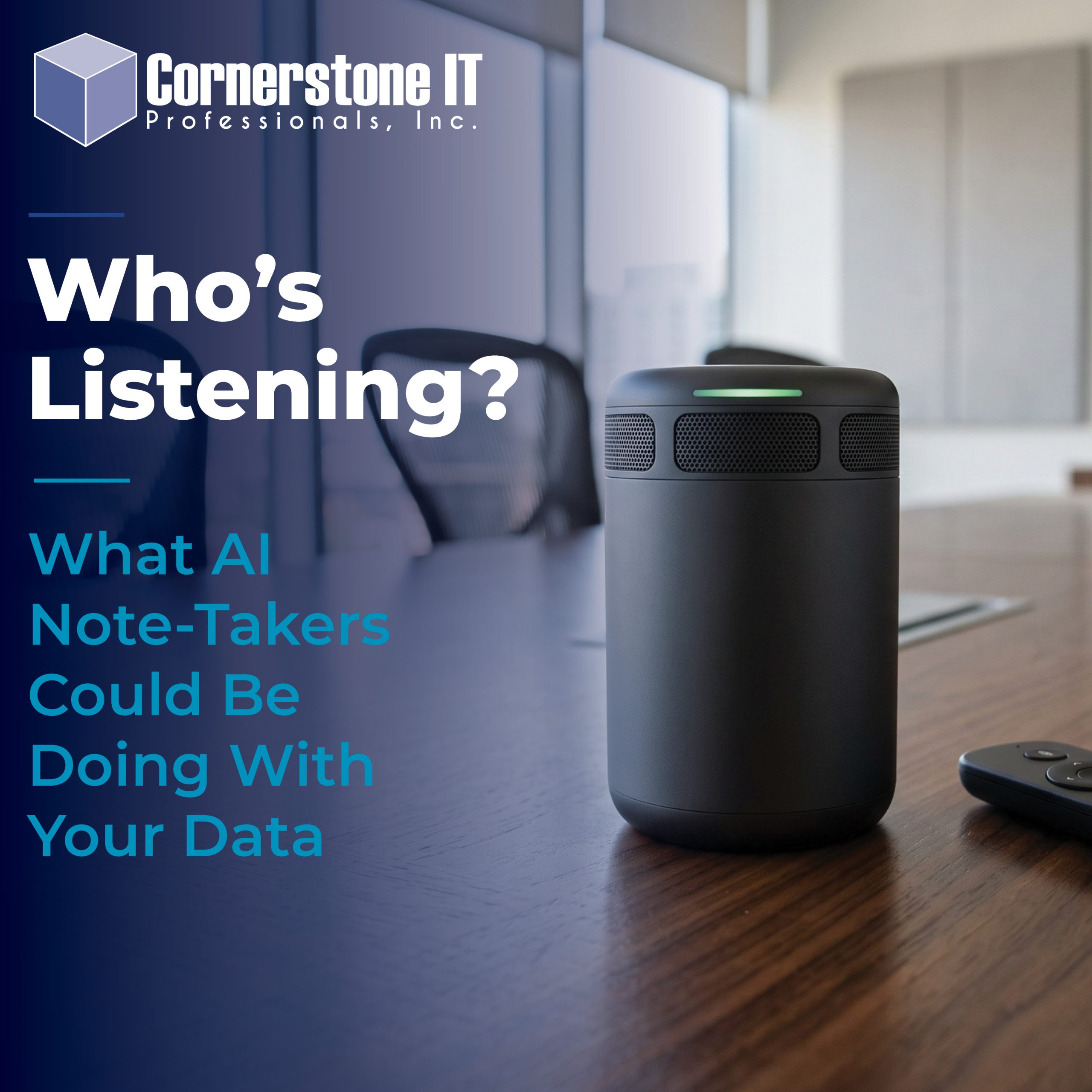
AI note-takers have become part of everyday business meetings almost overnight. A bot joins your Teams, Zoom, or Google Meet call, listens to the conversation, and delivers a transcript, summary, and action items when the meeting ends. It’s convenient, efficient, and easy to see why employees love them.
But there’s another side to that convenience.
What happens to everything the bot just heard?
Depending on the tool, an AI note-taker may record and transcribe your meeting, store it in the cloud, and share it with other people. That conversation could include client information, financial details, internal decisions, employee concerns, or other information you never intended to leave the meeting.
And the bigger concern for many businesses is that no one actually chose the tool. An employee may have connected an AI note-taker to a company calendar and started using it because it made their job easier.
AI note-takers can be incredibly useful. But before another bot joins your next meeting, your business should know what it records, where that information goes, who can access it, and what happens to your data afterward.
What Do AI Note-Takers Actually Record?
AI note-takers do much more than jot down a few highlights from your meeting. Depending on the tool and its settings, they can capture audio, create a full transcript, summarize the discussion, identify action items, and sometimes record video as well.
Tools such as Microsoft 365 Copilot in Teams, Otter, Fireflies, and Fathom offer different combinations of these features. Some work directly within a meeting platform, while others join the call as another participant.
Many AI note-takers can also connect to a user’s calendar. Once connected, the tool may automatically join scheduled meetings based on the settings the user selected. That makes note-taking almost effortless, but it also makes it easy to forget that the tool is creating a recording or transcript.
And that information doesn’t necessarily disappear when everyone leaves the call.
The transcript, summary, and recording may remain available after the meeting. Users can often search them, share them with others, or return to them weeks or months later.
That’s where businesses need to start asking a different question: Where is all of that information being stored?
Where Does Your Meeting Data Go?
There isn’t one answer. Where your meeting data goes depends on the AI note-taker your business uses and how that tool handles its customers’ information.
Some tools operate within a business platform you already use. Others send meeting recordings, transcripts, and summaries to the vendor’s cloud environment for storage and processing.
That distinction matters.
If a third-party tool stores your meeting data, your business is trusting another vendor with whatever was discussed on that call. That could include client information, internal financial details, employee conversations, passwords or account information mentioned during troubleshooting, and plans that were never intended for a wider audience.
Businesses should also consider who controls the account. If an employee signs up for an AI note-taker independently, the meeting history may be tied to an account the employee created rather than one the company manages.
Before approving an AI note-taker, find out where it stores meeting data, how long it keeps that data, and what controls your business has to manage or delete it.
Knowing that your meeting is “in the cloud” isn’t enough. You should know whose cloud it is and who holds the keys.
Who Can Access Your AI Meeting Recordings?
Knowing where your meeting data is stored is only part of the picture. Businesses also need to know who can access it.
Start with the people in the meeting. Depending on the AI note-taker and its sharing settings, attendees may receive a summary, transcript, or link after the call. In some cases, the tool may also share information with people who received an invitation but never attended.
Then consider everyone inside your organization who has access to the account. Can individual employees share recordings? What permissions can an administrator control? Is it possible for someone to download a transcript and send it outside the company?
Third-party access matters, too. When a vendor stores your meeting data, its privacy policy and service terms determine how that information is handled. Businesses should understand those terms before allowing an AI tool to record sensitive conversations.
This is part of a bigger question every business should ask about its technology: Who controls your data once you put it into someone else’s platform?
We recently discussed that issue in our article about keeping control of your business data in the cloud. The same principle applies here. Convenience shouldn’t come at the expense of knowing where your business data lives or how to get it back.
Do AI Note-Takers Use Your Meeting Data to Train AI?
Not necessarily. But businesses shouldn’t assume the answer is no.
How an AI note-taker uses your data depends on the tool, your account type, its settings, and the vendor’s current privacy terms. Some providers state that they do not use customer meeting content to train their AI models. Others may use certain data to improve their services under specific circumstances.
Microsoft states that Microsoft 365 Copilot does not use your organization’s prompts, responses, or Microsoft Graph data to train its foundation models. Microsoft also says Copilot operates within the Microsoft 365 service boundary and follows your organization’s existing permissions and policies.
Third-party AI note-takers have their own privacy policies and terms. Those policies can also change over time. Before your business approves a tool, review how the provider collects, stores, processes, and uses meeting data.
Don’t stop at a checkbox that says the tool is “secure.” Ask a more specific question:
What is this company allowed to do with our data after the meeting ends?
Cornerstone IT Tip
Know Where Your Meeting Data Goes Before You Hit Record
Before approving an AI note-taker, don’t just ask whether it’s secure. Check where your meeting data is stored, who can access it, how long it’s kept, and whether the provider can use it to train or improve its AI. If you can’t easily find those answers, think twice before letting the bot into a business meeting.
What If Employees Choose Their Own AI Note-Takers?
One of the biggest risks may not be the AI note-taker your business approved. It may be the one you don’t know an employee is using.
AI tools are easy to adopt. An employee finds a note-taker that saves time, creates an account, connects a work calendar, and starts inviting the bot to meetings. There may be no bad intent at all. The employee simply found a useful tool and started using it.
But that convenience can create a technology blind spot.
Your business may have no control over the account, its security settings, how long recordings are retained, or who receives meeting summaries. The employee may also leave the company while recordings and transcripts remain connected to an account they created.
This is one example of shadow IT: technology employees use for work without the organization’s knowledge or approval. It isn’t limited to AI. File-sharing services, browser extensions, messaging apps, and other cloud tools can create the same problem.
The answer isn’t to discourage employees from finding better ways to work. Instead, businesses need a simple process for reviewing new tools before company information starts flowing through them.
A few minutes of review before connecting an app can prevent a much bigger data-control problem later.
Don’t Forget About Recording and Consent
An AI note-taker may feel different from pressing the record button, but the technology doesn’t eliminate the privacy and consent questions that come with recording a conversation.
Recording laws vary by location. In the United States, federal law generally permits recording when one party to the conversation consents. However, some states have stricter requirements that may require consent from everyone involved. Meetings with participants in different states can make the issue even more complicated.
That’s why businesses shouldn’t assume that adding an AI note-taker to a meeting is automatically okay.
A good practice is to tell participants when an AI tool will record or transcribe the conversation. Explain what it is doing and give people an opportunity to raise concerns before recording begins.
Businesses should be especially cautious with sensitive conversations. HR matters, legal discussions, financial information, confidential client meetings, and other private topics may require additional consideration.
Your company’s policy should address when to record meetings and how to obtain consent. When legal or regulatory requirements are unclear, talk with an attorney who can advise you based on your business, location, and circumstances.
The bot may be taking the notes, but your business is still responsible for deciding when it belongs in the room.
How to Use AI Note-Takers Safely at Work
Businesses don’t have to ban AI note-takers to use them responsibly. A few clear rules can help employees take advantage of the technology without giving up control of company information.
Choose an Approved AI Note-Taker
Decide which tools employees can use for company meetings. Review the provider’s security, privacy, data retention, and sharing practices before approving it.
Keeping approved tools under company-managed accounts also gives your business more control if an employee changes roles or leaves the company.
Turn Off Automatic Meeting Access
Convenience can quickly become overreach when a bot automatically joins every meeting on someone’s calendar.
Configure AI note-takers so employees intentionally choose when to use them. A routine team meeting may be appropriate to record, while an HR discussion or confidential client conversation may not be.
Tell People When You’re Recording
Make disclosure part of the meeting routine. Let participants know when an AI tool is recording or transcribing the conversation and give them an opportunity to object.
A visible bot in the participant list shouldn’t be the only way participants learn that you’re recording the meeting.
Review Sharing and Retention Settings
Don’t assume the default settings match your company’s needs.
Check who automatically receives meeting summaries and transcripts. Also determine how long recordings remain available and whether authorized users can delete them when they’re no longer needed.
Keep Sensitive Meetings Off-Limits
Some conversations simply don’t need an AI assistant in the room.
Establish clear rules for legal discussions, HR matters, confidential client conversations, financial information, and other sensitive meetings. When there isn’t a compelling reason to create a recording or transcript, don’t create one.
Manage AI Like Any Other Business Technology
AI may feel new, but the basic security principles aren’t.
Know which tools have access to company information. Manage user accounts and permissions. Review security settings. Remove access when employees leave. And periodically check whether the technology still meets your business’s needs.
The goal isn’t to make AI harder to use. It’s to make sure convenience doesn’t quietly create a security or privacy problem.
Set the Rules at the Business Level
When possible, don’t rely on every employee to make the right choice every time.
For example, organizations using Microsoft Teams can manage policies for transcription and Copilot at the administrative level. That allows businesses to establish consistent rules instead of leaving every meeting setting up to individual users.
Whatever platform you use, look for administrative controls that let your business manage access, permissions, recording, retention, and other privacy settings centrally.
Good technology policies work best when they’re supported by the technology itself.
Frequently Asked Questions About AI Note-Takers
Are AI Note-Takers Safe for Business Meetings?
They can be, when businesses choose and manage them carefully. Before approving a tool, review where it stores meeting data, who can access recordings and transcripts, how long it retains them, and how the provider uses that information. Clear company policies and administrative controls can reduce unnecessary risk.
Can AI Note-Takers Join Meetings Automatically?
Yes. Some AI note-takers can connect to a user’s calendar and automatically join scheduled meetings, depending on the tool and its settings. Businesses may want to disable automatic access so employees intentionally choose which meetings should be recorded or transcribed.
Does Microsoft 365 Copilot Use Meeting Data to Train AI?
Microsoft states that Microsoft 365 Copilot does not use your organization’s prompts, responses, or Microsoft Graph data to train its foundation models. Businesses should still review Microsoft’s current privacy documentation and configure their Microsoft 365 and Teams policies to meet their needs.
Should Employees Be Allowed to Use Their Own AI Note-Takers?
Businesses should know and approve which tools employees use with company information. An independently created account can leave the business with little control over security settings, recordings, retention, or access when an employee leaves.
Rather than banning useful AI tools, create a simple approval process. Employees can still benefit from new technology while the business keeps control of its data.
AI Note-Takers Are Useful. Just Know Where Your Data Goes.
AI note-takers can save time, improve follow-up, and make meetings more productive. The technology itself isn’t the problem.
The risk comes when businesses use these tools without knowing what they record, where the information is stored, who can access it, or what happens to that data afterward.
Treat AI note-takers like any other technology that touches company information. Choose the tools intentionally. Manage them centrally when possible. Set clear expectations for employees. And make sure convenience doesn’t quietly take control of your data out of your hands.
At Cornerstone IT Professionals, we help businesses make technology decisions that balance productivity, security, and control. If you’re unsure which AI tools are connected to your business or whether your current technology policies are keeping up, let’s talk.
Your technology should make running your business easier — without leaving you wondering where your data went.