
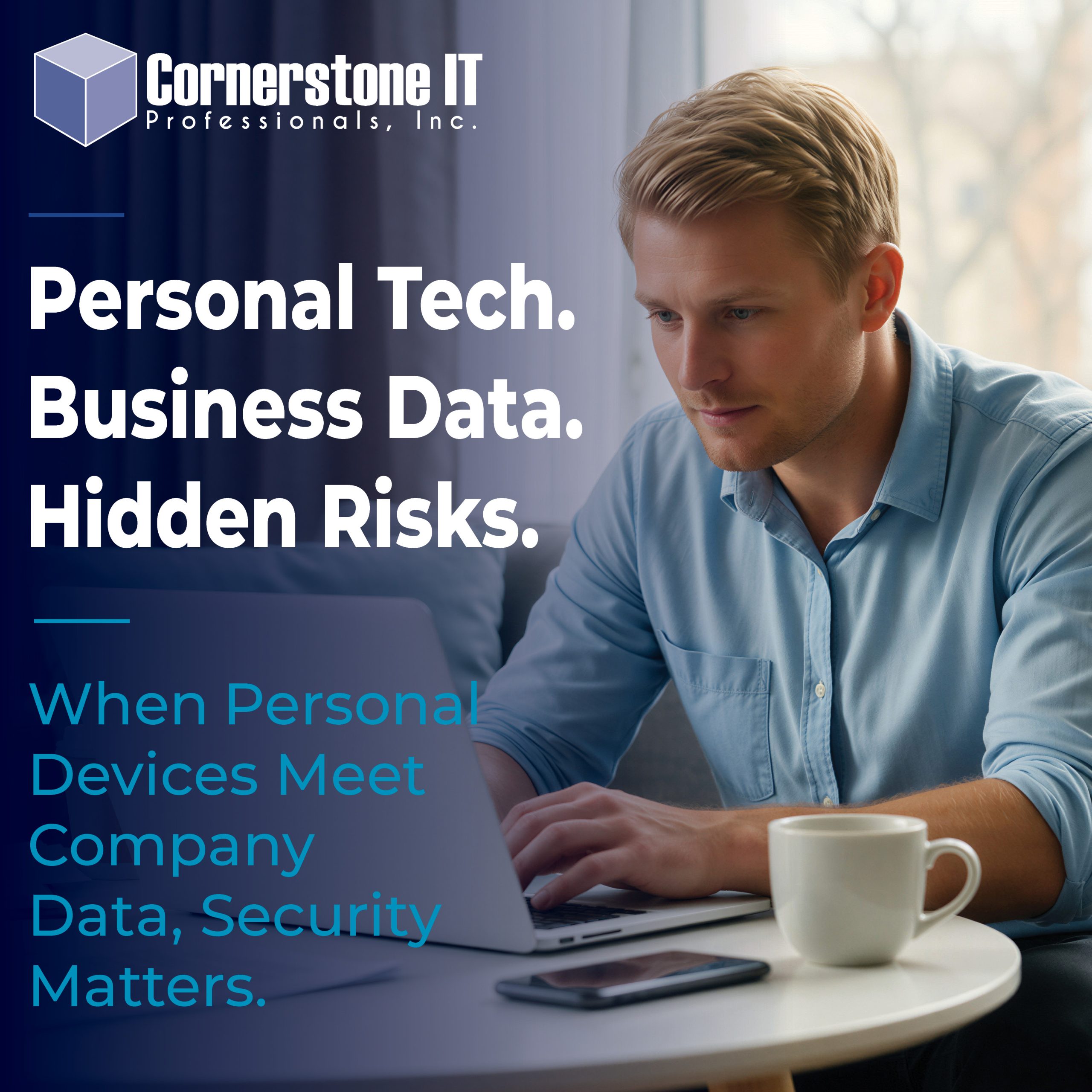
Your employee already has a perfectly good laptop at home. Your new assistant has a computer they’ve been using for years. Why spend money on additional equipment when everyone already has devices that can get the job done? Allowing employees to use personal devices for work might seem like a smart way to save money, but is it really worth the security risks?
It’s a reasonable question, and one we hear frequently at Cornerstone IT Professionals.
Allowing employees to use personal devices for work might seem like a convenient, cost-effective solution. But what happens when business files, customer information, and company accounts end up on computers that your business doesn’t control?
The risks aren’t always obvious. A personal computer might be shared with family members, lack important security updates, or automatically back up confidential business documents to a personal cloud account. And when an employee leaves, those company files could leave with them.
That doesn’t mean personal devices should never be used for business. But there’s a big difference between allowing occasional access to company email and relying on an employee’s personal computer for everyday business operations.
Before deciding whether personal devices are appropriate for your workplace, it’s important to understand the security risks and what it takes to protect your business.
The Hidden Security Risks of Using Personal Devices for Work
Personal computers and business computers may look identical, but how people use and maintain them can be very different. When employees use their own devices for business, they may unintentionally expose company information to security risks.
Here are some of the most common concerns businesses should consider.
Mixing Personal and Business Information
When employees use the same computer for work and personal activities, the lines between business and personal information can quickly blur.
For example, an employee might download confidential customer documents into a personal folder. Their computer could then automatically back up those files to a personal cloud storage account. Suddenly, sensitive business information exists somewhere your company cannot monitor or control.
Security Updates and Protection
Company-managed computers typically follow established security standards. Your IT provider can monitor updates, maintain security software, and address potential vulnerabilities.
Personal computers, however, may not receive the same attention. Employees might postpone important updates, use outdated software, or lack the security protections your business requires.
As a result, an otherwise convenient arrangement could create an unnecessary entry point for cybercriminals.
Shared Computers Create Additional Risks
Consider an employee who uses a family computer for work. Their spouse might use it for online shopping, while their children download games or browse unfamiliar websites.
Even when everyone has good intentions, those activities can introduce security risks. Additionally, shared accounts may allow family members to access business files, saved passwords, or company applications.
What Happens When an Employee Leaves?
This is one of the most overlooked concerns with personal devices.
When an employee leaves your company, your IT provider can disable their business accounts and revoke access to company systems. However, that doesn’t necessarily remove documents, customer information, or other business files already saved to their personal computer.
Without appropriate safeguards, confidential company information could remain on a device your business no longer has access to or control over.
How Businesses Can Safely Allow Personal Devices for Work
Allowing employees to use personal devices for work doesn’t have to mean sacrificing security. However, businesses need clear guidelines and appropriate protections before granting access to company systems.
The key is understanding which activities are appropriate for personal devices and which require company-managed equipment.
Security Requirements for Personal Devices for Work
Before employees access company information, their devices should meet basic security standards.
These requirements may include:
- Keeping operating systems and applications updated
- Using strong passwords or PINs to lock devices
- Enabling multifactor authentication (MFA) for business accounts
- Maintaining appropriate antivirus and security protection
- Encrypting devices to protect stored information
- Using only approved applications to access company data
For example, an employee who occasionally checks business email from a personal phone may present a manageable risk when the company implements proper safeguards.
However, those same protections may not be sufficient for an employee who regularly downloads confidential customer records onto a personal laptop.
Limit Access to What Employees Actually Need
Not every employee needs access to every company system or document.
Businesses should follow the principle of least privilege, which means giving employees access only to the information and resources necessary to perform their jobs.
For example, an administrative assistant might need access to company email, scheduling software, and certain customer records. That doesn’t mean they also need access to financial accounts, employee records, or sensitive business documents.
Limiting access helps reduce potential damage if someone loses a device or an unauthorized person gains access.
Keep Business Information Separate
Whenever possible, businesses should use approved applications and security tools that help separate company information from personal data.
For instance, an employee might access business email through an approved application without downloading attachments into personal folders. Certain security tools can also restrict how employees copy, share, or save company information.
These protections give businesses greater control over sensitive data while respecting employees’ personal information.
However, no security tool can guarantee complete protection if employees copy company files into personal storage or use unauthorized applications.
When Personal Devices for Work Aren’t the Best Choice
While personal devices can work well for certain business activities, they aren’t always the safest option. In some situations, providing company-owned computers offers better security, greater control, and fewer complications.
Employees Who Handle Sensitive Information
Consider an employee who regularly works with financial records, confidential customer information, or sensitive company documents.
Using a personal computer for these responsibilities creates additional risks, especially when business files end up in personal folders or cloud storage accounts.
Company-owned computers allow businesses to establish consistent security settings, control access to sensitive information, and better protect confidential records.
Employees Who Work Remotely
Remote work has become a normal part of business operations. However, working from home doesn’t eliminate the need for appropriate security.
For example, a remote assistant might spend eight hours a day accessing company email, customer databases, accounting software, and shared documents.
In that situation, a company-managed computer often makes more sense than relying on a personal laptop. Your IT provider can maintain security protections, monitor potential threats, and help ensure the device meets company standards.
For additional guidance, explore our article on how to secure company laptops for remote employees.
Employees With Administrative Access
Some employees need elevated permissions to manage business systems, user accounts, or sensitive applications.
These responsibilities create additional security concerns because unauthorized access could affect more than one employee or computer.
For that reason, employees with administrative privileges should use company-managed devices with appropriate security controls.
The Long-Term Value of Company-Owned Computers
Purchasing computers for employees involves an upfront investment. However, the lowest initial cost doesn’t always mean the lowest overall cost.
Consider the time and expense involved when an employee’s personal computer develops problems, lacks compatible software, or becomes compromised.
Company-owned devices allow businesses to standardize equipment, simplify technical support, and maintain consistent security protections.
More importantly, they help businesses maintain control over the technology and information their employees rely on every day.
Why Businesses Need a Policy for Personal Devices for Work
Whether your business allows personal devices for work or requires company-owned equipment, employees need to understand the rules.
Without clear expectations, employees may make decisions based on convenience rather than security. For example, an assistant might assume it’s perfectly acceptable to download customer files onto a home computer to finish a project after hours.
A written Bring Your Own Device (BYOD) policy helps eliminate that confusion by establishing what employees can and cannot do with personal technology. The UK’s National Cyber Security Centre provides additional guidance on managing the security risks associated with employee-owned devices.
What Should a Personal Device Policy Include?
An effective policy doesn’t have to be overly complicated. However, it should address several important questions:
- Which employees can use personal devices for work?
- What types of personal devices are permitted?
- Which business applications and information can employees access?
- What security protections must employees maintain?
- Can employees download or store company files on personal devices?
- What happens if a personal device is lost, stolen, or compromised?
- How will the business protect its information when an employee leaves?
For example, your policy might allow employees to access business email through an approved application on their smartphones while prohibiting them from downloading confidential documents onto personal computers.
These guidelines help employees understand their responsibilities while giving your business a consistent approach to protecting sensitive information.
Make Sure Employees Understand the Rules
Creating a policy is only the first step. Employees also need to understand why those requirements exist.
Explain the security risks associated with personal devices and provide clear instructions for accessing company information safely.
Additionally, review your policy periodically as technology, business operations, and security threats change.
Most importantly, make sure employees know who to contact when they have questions or encounter potential security problems.
Cornerstone IT Tip
Convenience Should Never Override Security
Allowing employees to use personal devices for work may seem like an easy way to save money. However, the potential cost of a security incident can quickly outweigh the savings.
Before granting access to company systems, talk with your IT provider about which devices are appropriate, what safeguards are necessary, and how to keep business information protected.
A little planning today can prevent much bigger headaches tomorrow.
Protect Your Business Without Sacrificing Convenience
Allowing employees to use personal devices for work may seem like a simple way to save money and increase flexibility. However, convenience shouldn’t come at the expense of protecting your company’s information.
The right approach depends on your business, the responsibilities of your employees, and the security measures you have in place. While some personal devices can safely support limited business activities, company-owned computers often provide better protection and greater control.
Before making a decision, consider how your employees currently access company information. Are they using personal laptops? Do they download business documents onto home computers? What happens to those files when someone leaves your company?
At Cornerstone IT Professionals, we help businesses make informed technology decisions that balance convenience, productivity, and security. Whether you need guidance on employee devices, stronger security protections, or a clear policy for personal technology, our team can help.
Not sure whether your employees’ personal devices are putting your business at risk? Contact Cornerstone IT Professionals to discuss your options and find the right approach for your business.