
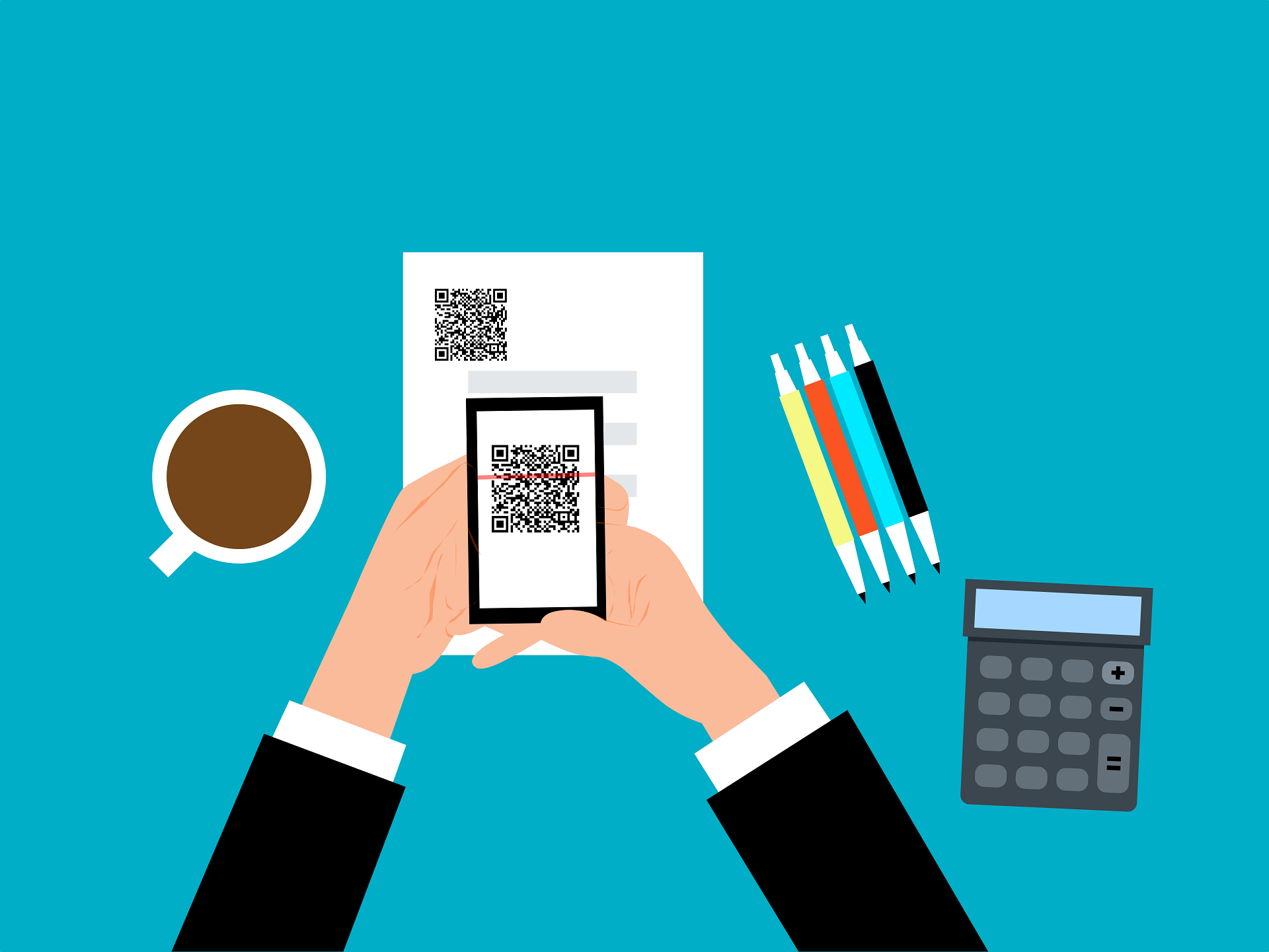
QR codes have become part of everyday life. You’ll find them on restaurant tables, event posters, product packaging, parking meters, business cards, and even utility bills. They make it quick and easy to access websites, menus, payment portals, and other online resources with a simple scan.
Unfortunately, cybercriminals have also embraced QR codes as another way to trick people into revealing sensitive information or downloading malicious software. These attacks—often called QR code phishing or quishing—continue to grow in popularity because they’re easy to disguise and difficult to recognize before it’s too late.
Understanding the risks can help you avoid becoming the next victim.
How QR Code Scams Work
Unlike a traditional phishing email, a QR code hides the destination until after it’s scanned.
Attackers may replace a legitimate QR code with a fake sticker, include malicious QR codes in emails or text messages, or post fraudulent codes in public places.
Once scanned, the code may:
- Direct you to a fake login page.
- Ask you to enter payment information.
- Prompt you to download a malicious app.
- Lead to a fraudulent payment website.
- Attempt to steal usernames, passwords, or other personal information.
Because the destination isn’t immediately visible, many people trust QR codes without thinking twice.
Common QR Code Scams
Fake QR Code Stickers
One of the most common tactics is placing a fraudulent QR code over a legitimate one. This has been seen on parking meters, restaurant tables, public kiosks, and promotional signs.
Fake Promotions
Scammers may advertise giveaways, coupons, or special offers that encourage people to scan a QR code. Instead of receiving a reward, victims are taken to a fraudulent website designed to collect personal information.
Malware Downloads
Some QR codes direct users to install fake applications or software that contains malware. Once installed, the malicious software may steal information, monitor activity, or compromise the device.
How to Scan QR Codes Safely
Fortunately, a few simple precautions can significantly reduce your risk.
Verify the Source
Only scan QR codes from organizations or businesses you trust. If something seems out of place, it’s worth taking a closer look before scanning.
Preview the Destination
Many smartphones display the website address before opening it.
Take a moment to review the URL and confirm that it belongs to the organization you expected to visit.
Watch for Signs of Tampering
If a QR code appears to be a sticker placed over another code, is damaged, or otherwise looks suspicious, avoid scanning it.
Keep Your Devices Updated
Keeping your phone and its applications updated helps protect against known security vulnerabilities that attackers may attempt to exploit.
Avoid Entering Sensitive Information Immediately
If a QR code directs you to a login page or requests payment information, slow down and verify you’re on the legitimate website before entering any personal or financial details.
Think Before You Scan
QR codes are convenient, but convenience shouldn’t replace caution.
Just like suspicious emails and unexpected text messages, QR codes can be used to trick people into giving away valuable information. Taking a few extra seconds to verify where a QR code leads can help protect both your personal information and your business.
At Cornerstone IT Professionals, we help businesses strengthen their defenses against phishing, QR code scams, and other evolving cyber threats. Through employee security awareness training and layered cybersecurity solutions, we help organizations reduce risk before an attack succeeds.